
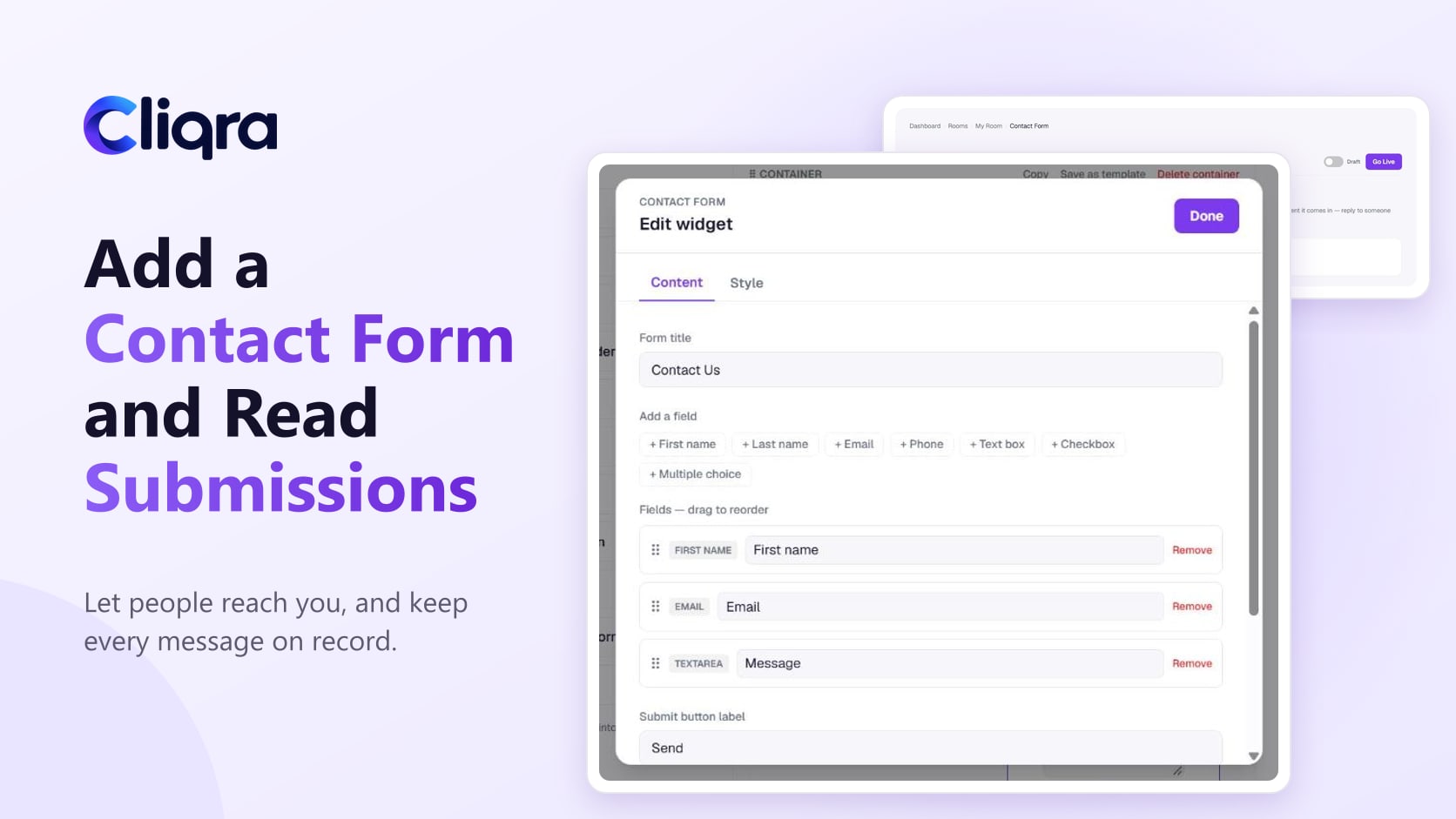
How to Add a Contact Form and Manage Submissions
Add a contact form to your Cliqra Page or Room, choose its fields and who receives the emails, and review, star or delete every submission…
Read more →Step-by-step guides with screenshots: building your Room or Page, inviting members, the Discussion, messages, files, contact forms and analytics.
Add a contact form to your Cliqra Page or Room, choose its fields and who receives the emails, and review, star or delete every submission…
Read more →
See who visits your Cliqra Room or Page with the Analytics tab, and control whether Google can find a Page and how its link looks when it's…
Read more →
Find every image in your Cliqra Room in the Media Library, reuse pictures without uploading twice, and keep an eye on storage: what counts,…
Read more →
How to message one member or a few in Cliqra, manage conversations in Messages, and choose which notifications reach you, including push no…
Read more →
How the Discussion in a Cliqra Room works: quick posts and titled posts, replies, emoji reactions, photos, files and voice notes, and @ment…
Read more →
Invite people to your Cliqra Room by email, follow pending invitations, and choose who can help run the Room with the Admin, Editor and Mem…
Read more →
Step by step: create a public Page in Cliqra, build the layout with widgets or a template, add a contact form, publish it and share the lin…
Read more →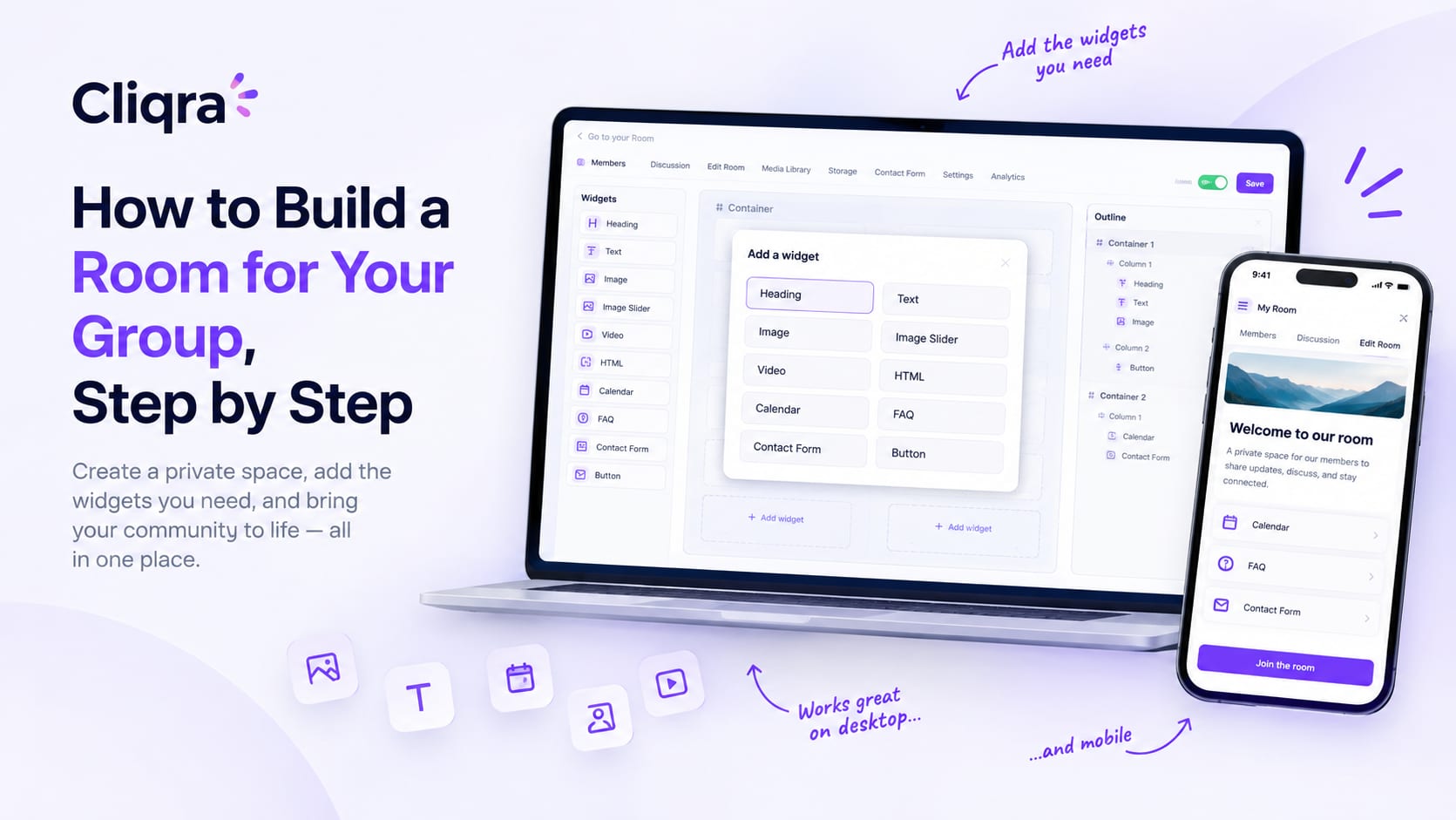
A step-by-step guide to building a private Room in Cliqra: create the space, choose a plan, use the builder, widgets and templates, and inv…
Read more →